
Introduction: Choosing the Best AI Tools for Students
Finding the best AI tools for students can be difficult with hundreds of options available. Most lists repeat the same popular tools without checking whether their features and pricing are still accurate. This guide compares 15 AI tools for students, covering research, writing, note-taking, studying, math, coding, presentations, productivity, and tutoring. We’ve also explained what is genuinely free and what requires a paid plan, so you can choose the right tools for your studies and budget.
Key Takeaways
- Best all-round AI tool: ChatGPT — free tier now covers unlimited text chat.
- Best free AI tools for students: ChatGPT, Gemini Notebook, Khan Academy (Khanmigo) and GitHub Copilot (free for verified students).
- Best for research: Gemini Notebook for your own PDFs, Elicit and Consensus for peer-reviewed papers.
- Best for writing: Grammarly for grammar and tone, QuillBot for paraphrasing and citations.
- Best for math: Photomath for homework steps, Wolfram Alpha for advanced STEM.
- Cheapest paid upgrade: Quizlet at $2.99/mo on annual billing; the most expensive is Claude at $20/mo.
- Biggest student freebies: Notion Plus and GitHub Copilot are free with a verified university email, and Google is giving students 12 months of its AI plans free until 31 December 2026.
Quick Answer: Best AI Tools for Students
There’s no single best AI tool for students — the right choice depends on what you need. ChatGPT and Claude are useful for general academic help, while Gemini Notebook, Elicit, and Consensus are better for research and reading. Grammarly and QuillBot help with writing, Quizlet with flashcards, Photomath and Wolfram Alpha with math, and GitHub Copilot with coding.
For presentations, Gamma can create slide decks quickly, while Otter.ai is useful for lecture transcription. Khanmigo provides guided AI tutoring for students who want to learn step by step.
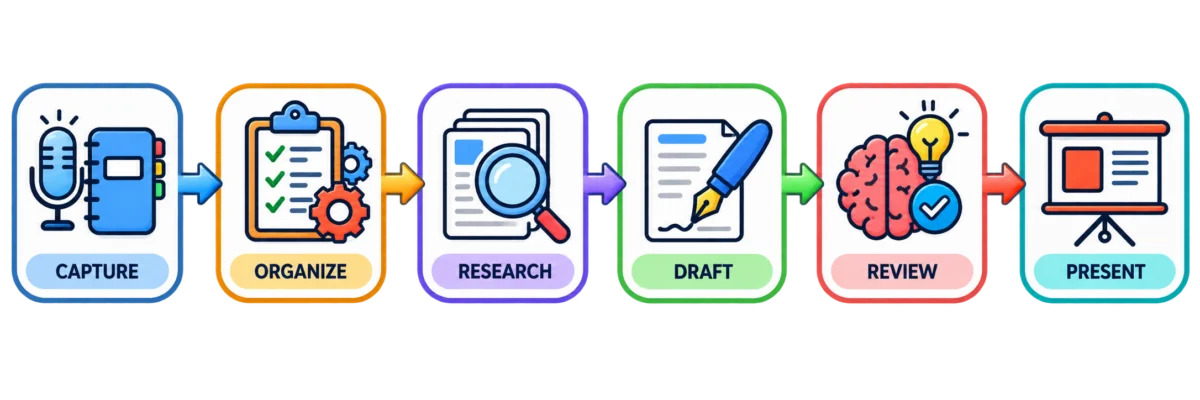
Quick Picks: The Best AI Tool for Each Student Task
If you only want one recommendation per task, start here. Every pick below has a free plan you can test before paying, and each tool name links to its full write-up further down.
| What you need help with | Recommended tool |
|---|---|
| Overall pick | ChatGPT |
| Best free option | Gemini Notebook |
| Reading and questioning your own PDFs | Gemini Notebook |
| Finding academic papers | Elicit |
| Checking what the evidence says | Consensus |
| Grammar, tone and clarity | Grammarly |
| Paraphrasing and citations | QuillBot |
| Lecture notes and transcription | Otter.ai |
| Flashcards and exam revision | Quizlet |
| Step-by-step math homework | Photomath |
| Advanced math and STEM | Wolfram Alpha |
| Coding assignments | GitHub Copilot |
| Slides and presentations | Gamma |
| Organising notes and deadlines | Notion |
| Long documents and essays | Claude |
| Guided tutoring by topic | Khanmigo |
How We Chose the Best AI Tools for Students
Every tool in this list was shortlisted against the same four checks, and the pricing was verified directly on each provider’s official pricing page in September 2026 rather than copied from older round-ups.
- Genuinely useful for coursework — it has to solve a real student task (research, writing, revision, math, code, slides), not just look impressive in a demo.
- A free plan you can actually study on — we note exactly what the free tier includes and where the wall is, instead of just writing “free version available”.
- Verified current pricing — every price shown is the current starting paid price, with student discounts noted where they exist.
- Honest limitations — each tool lists real cons and academic-integrity risks, because no AI tool is safe to use blindly on graded work.
Comparison Table: Best AI Tools for Students
| # | Tool | Best For | Free Plan | Starting Paid Price |
|---|---|---|---|---|
| 1 | Gemini Notebook | Research & reading PDFs | Yes | $4.99/mo |
| 2 | Elicit | Academic research papers | Yes | $10/mo |
| 3 | Consensus | Evidence-based answers | Yes | ~$9/mo |
| 4 | Grammarly | Grammar & tone | Yes | ~$12/mo |
| 5 | QuillBot | Paraphrasing & citations | Yes | $8.33/mo |
| 6 | Otter.ai | Lecture transcription | Yes | $8.33/mo |
| 7 | Quizlet | Flashcards & exam prep | Yes | $2.99/mo |
| 8 | Photomath | Step-by-step math | Yes | $5.83/mo |
| 9 | Wolfram Alpha | Advanced math & STEM | Yes | $5/mo |
| 10 | GitHub Copilot | Coding & debugging | Yes | $10/mo |
| 11 | Gamma | Presentations & slides | Yes | ~$8–12/mo |
| 12 | Notion | Notes & organisation | Yes | $10/mo |
| 13 | ChatGPT | General academic help | Yes | $8/mo |
| 14 | Claude | Long documents & writing | Yes | $20/mo |
| 15 | Khanmigo | Guided AI tutoring | No (platform free) | $4/mo |
The 15 Best AI Tools for Students in 2026
Here are the 15 best AI tools for students in 2026, organized by what they are actually useful for — research, writing, note-taking, studying, math, coding, presentations, productivity, and tutoring.
Best AI Tools for Research and Reading PDFs
1. Gemini Notebook — Best AI Research Tool for Students
What it does: Gemini Notebook is Google’s AI research assistant that answers questions using only the sources you upload — lecture slides, PDFs, readings, or web pages — and cites where each answer came from. Google renamed NotebookLM to Gemini Notebook on 16 July 2026. It is the same product at the same address — your existing notebooks, shared links and Audio Overviews all carry over, and old links redirect automatically.
Best for: Turning your own course materials into a searchable, question-answering study assistant.
Free or paid: Free tier is unusually generous: 100 notebooks, 50 sources per notebook, 50 chat questions a day, plus Audio Overviews, Video Overviews, mind maps, flashcards, and quizzes. Paid access is bundled into Google’s AI plans rather than sold separately: Google AI Plus at $4.99/mo and Google AI Pro at $19.99/mo, which mainly raise daily limits rather than unlocking new features. On 19 August 2026 Google reopened its student offer: verified college students in the US get 12 months of Google AI Pro free, and students in more than 140 other markets get 12 months of Google AI Plus free. Enrolment is verified through SheerID, the offer must be redeemed by 31 December 2026, and the plan auto-renews at full price afterwards unless you cancel — so set a reminder.
Key features:
- Source-grounded answers with inline citations (reduces made-up information)
- Audio Overviews that turn your readings into a podcast-style summary
- Auto-generated study guides, flashcards, and quizzes from your own materials
What students can actually use it for: Upload a week’s worth of lecture slides and readings, then ask it to summarize, quiz you, or generate a study guide grounded in exactly what your class covered — not the open internet.
Pros: Free tier covers nearly everything most students need; grounding in your own sources meaningfully reduces hallucinated facts; audio summaries are genuinely useful for commute or gym studying.
Cons: Requires a Google account and processes files on Google’s servers, so it’s not ideal for sensitive material; daily limits (50 chats, 3 audio/video overviews) can feel tight during exam crunch on the free tier.
Important limitations: Only as good as what you upload — it won’t search the open web for you, and it can still misread poorly scanned or handwritten PDFs.
Official website: notebooklm.google.com
2. Elicit — Best AI Tool for Academic Research
What it does: Elicit is an AI research assistant built specifically for academic literature — it searches over 138 million papers, summarizes them, extracts specific data points into a table, and helps structure systematic reviews.
Best for: Literature reviews, thesis research, and finding relevant peer-reviewed studies fast.
Free or paid: The Basic plan is free with unlimited paper search, unlimited summaries, and unlimited chat with full-text papers, but only limited use of the Research Agent and automated Reports. Paid tiers (Plus, Pro, Scale) unlock higher usage of those report and systematic-review features, plus more export formats; published prices vary by billing cycle, so confirm current numbers on elicit.com/pricing before subscribing.
Key features:
- Search and summarize across 138M+ academic papers
- Add custom data-extraction columns across many papers at once
- Systematic Literature Review workflow for larger research projects
- Zotero import for reference management
What students can actually use it for: Feeding in a research question for a term paper or thesis and getting back a shortlist of relevant, summarized studies instead of manually scanning Google Scholar for hours.
Pros: Free tier’s unlimited search and chat is a real, usable product, not just a teaser; purpose-built for the literature-review workflow rather than general chat.
Cons: Paid tiers get expensive quickly for full systematic-review features, which mostly matter for graduate-level research; interface has a learning curve if you’re not already familiar with literature review methodology.
Important limitations: Limited to academic and peer-reviewed literature — it won’t help with news, industry reports, or general web research.
Official website: elicit.com
3. Consensus — Best AI Search Tool for Research
What it does: Consensus is an AI search engine that answers questions using only peer-reviewed papers, and includes a distinctive “Consensus Meter” that visualizes how much agreement exists across studies on yes/no questions.
Best for: Quickly checking what the actual science says on a topic, with citations you can verify.
Free or paid: Free plan includes 20 AI-powered searches per month. Paid Premium/Pro plans start around $9/month and remove that cap along with adding deeper “Pro Analysis” on results; check consensus.app for current pricing, as third-party sources reported figures ranging from about $8.99 to $9.99/month.
Key features:
- Search across 200M+ peer-reviewed papers
- Consensus Meter showing scientific agreement level
- “Ask Paper” for questions about one specific study
- Citation-backed AI summaries
What students can actually use it for: Building the evidence section of a research paper by finding multiple studies that support (or complicate) a claim, without wading through unrelated search results.
Pros: Restricting sources to peer-reviewed literature meaningfully lowers the risk of fabricated citations compared to a general chatbot; the Consensus Meter is a genuinely unique way to see disagreement in a field at a glance.
Cons: 20 free searches a month disappears fast during a research-heavy week; less useful outside the hard and social sciences where peer-reviewed literature is thinner.
Important limitations: Does not automatically filter out retracted papers, so cross-check anything load-bearing for your argument.
Official website: consensus.app
Best AI Writing Tools for Students
4. Grammarly — Best AI Writing Assistant for Students
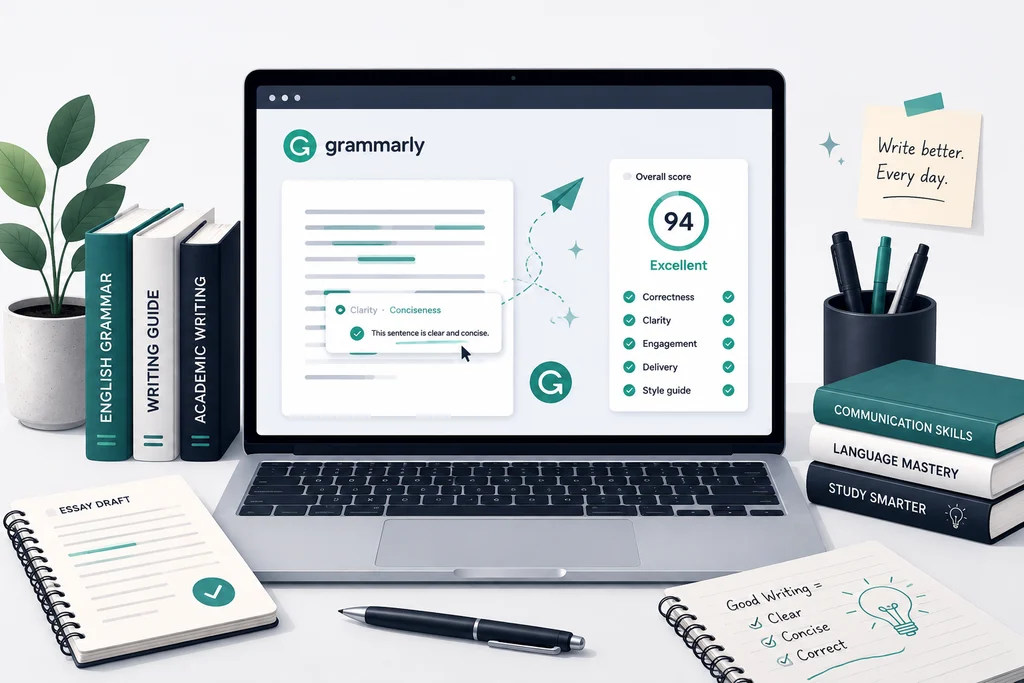
What it does: Grammarly checks grammar, spelling, punctuation, tone, and clarity in real time as you write, across the browser, Google Docs, Word, and mobile.
Best for: Catching grammar and tone issues before you submit an essay, email, or application.
Free or paid: Free plan covers grammar and spelling correction, basic tone detection, and 100 AI prompts per month for generative rewrites. The Pro plan (around $12/month billed annually) adds full-sentence rewrites, a plagiarism checker, and 2,000 AI prompts a month. Grammarly offers a one-time 50% student/educator discount through SheerID verification, and some schools provide free institutional access — check whether yours participates.
Key features:
- Real-time grammar, spelling, and punctuation checking
- Tone and clarity suggestions
- Plagiarism checker (Pro only)
- Works inside Docs, Word, Gmail, and most browsers
What students can actually use it for: Proofreading essays, cover letters, scholarship applications, and emails to professors before hitting send.
Pros: The free tier alone genuinely covers basic proofreading needs for most students; broad integration means it works almost everywhere you already write.
Cons: The features people associate most with Grammarly’s marketing — full rewrites, plagiarism checking, tone-matching — sit behind the paid plan; it’s English-only and won’t help with STEM problem sets.
Important limitations: A grammar checker isn’t a fact-checker or a citation tool — it won’t catch factual errors or missing sources in your writing.
Official website: grammarly.com
5. QuillBot — Best AI Tool for Paraphrasing and Citations
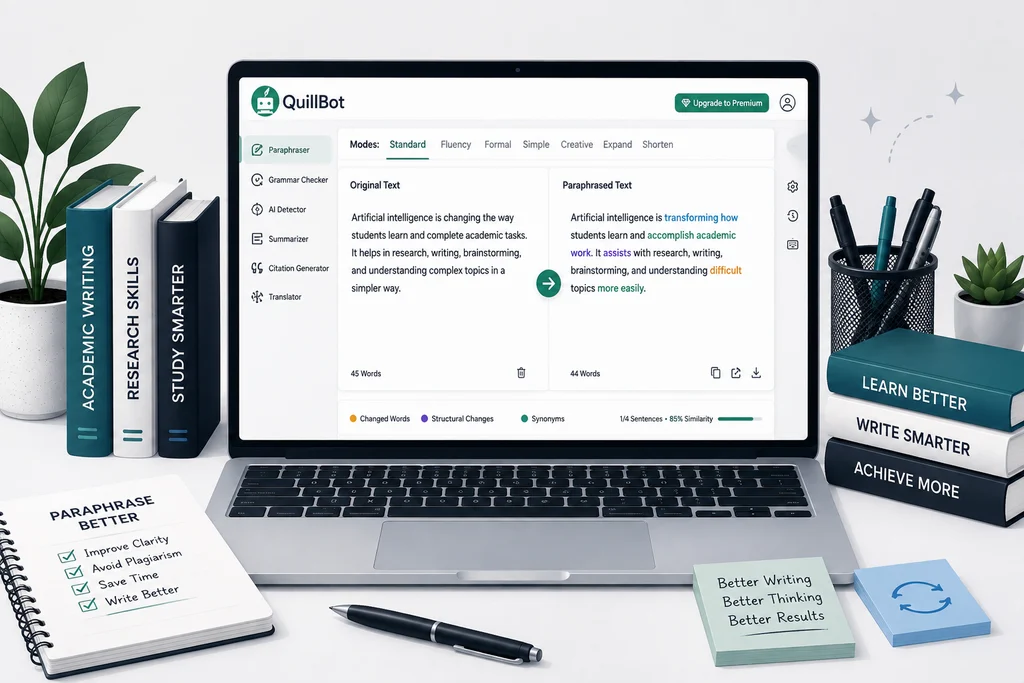
What it does: QuillBot is built around paraphrasing — rewriting a sentence or paragraph in a different style while preserving its meaning — alongside a grammar checker, summarizer, and citation generator.
Best for: Rephrasing awkward sentences and generating properly formatted citations.
Free or paid: Free plan allows paraphrasing up to 125 words at a time in two modes (Standard and Fluency), a 1,200-word summarizer, and a basic grammar checker; the citation generator and AI detector are free with no word limit. Premium removes the word cap and unlocks 7 additional paraphrasing modes, a plagiarism checker, and unlimited summarizing, priced at $19.95/month, or $8.33/month if billed annually ($99.95/year).
Key features:
- Paraphraser with up to 9 tone/style modes (Premium)
- Summarizer for condensing long readings
- APA/MLA/Chicago citation generator (free)
- AI detector and plagiarism checker
What students can actually use it for: Rewriting a clunky sentence in an essay draft, condensing a long journal article into key points, or auto-generating a citation for a source you just found.
Pros: The annual Premium price is meaningfully cheaper than Grammarly Pro; the citation generator and AI detector are fully free with no caps.
Cons: The 125-word free paraphrase limit is restrictive for anything longer than a sentence or two; using paraphrasing tools to disguise another author’s ideas as your own is a real academic-integrity risk, not just a detection risk — check your school’s policy before relying on it for source material.
Important limitations: Paraphrased text can still be flagged by plagiarism or AI-detection software, so it isn’t a reliable way to avoid detection, and shouldn’t be used as one.
Official website: quillbot.com
Best AI Note-Taking Tools for Students
6. Otter.ai — Best AI Tool for Lecture Notes
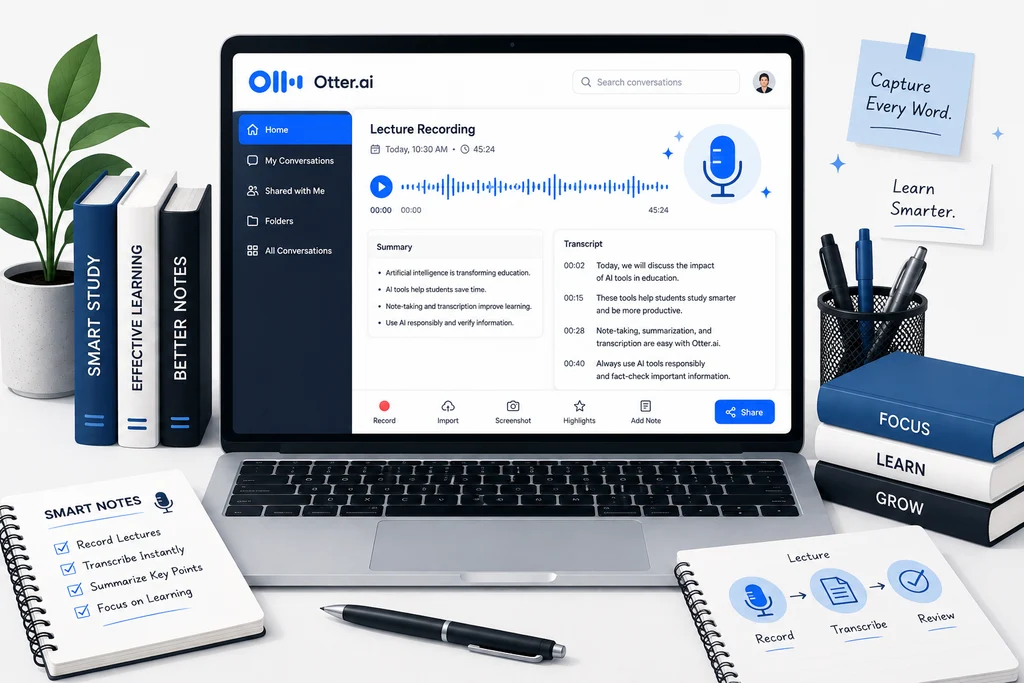
What it does: Otter.ai joins or records lectures, meetings, and seminars, transcribes them in real time, identifies different speakers, and generates an AI summary you can search afterward.
Best for: Turning spoken lectures into searchable, written notes automatically.
Free or paid: Free Basic plan includes 300 transcription minutes per month, capped at 30 minutes per single conversation, plus 3 lifetime file imports (not per month — total, ever). Pro costs $16.99/month, or $8.33/month billed annually, and raises the limit to 1,200 minutes with a 90-minute per-conversation cap. A roughly 20% student discount is available with a verified .edu email address.
Key features:
- Real-time transcription with speaker identification
- Works with Zoom, Google Meet, and Microsoft Teams, or live in-person recording
- AI Chat that can answer questions about a transcript
- Automated meeting/lecture summaries
What students can actually use it for: Recording a 50-minute lecture, then searching the transcript later for the exact moment a professor mentioned an exam topic, instead of relying on handwritten notes alone.
Pros: Dramatically cuts down manual note-taking; searchable transcripts are useful when reviewing weeks later; the student discount makes Pro reasonably affordable.
Cons: The free tier’s 30-minute cap per conversation cuts off most standard one-hour lectures partway through; only 3 lifetime imports on free makes it hard to transcribe pre-recorded content without upgrading.
Important limitations: Check your school or professor’s policy on recording lectures before using Otter in class — recording consent rules vary by institution and jurisdiction.
Official website: otter.ai
Best AI Tools for Studying and Flashcards
7. Quizlet — Best AI Tool for Flashcards and Exam Prep
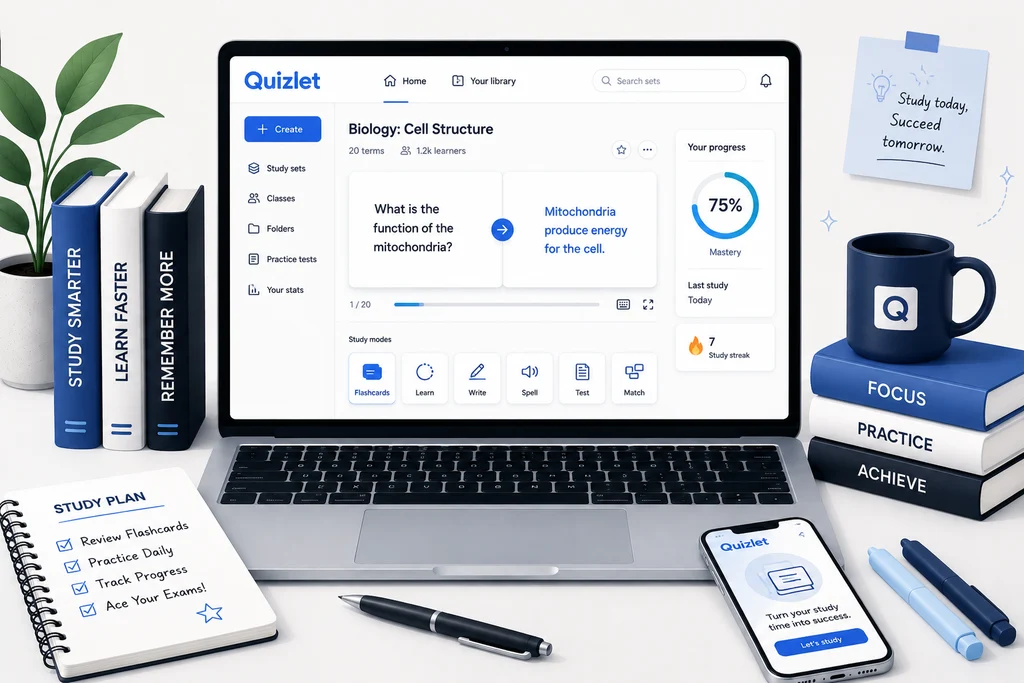
What it does: Quizlet is a flashcard and study-set platform where students create or browse shared study sets, then review them through games, practice tests, and an AI-generated Learn mode.
Best for: Spaced-repetition style review and last-minute exam prep.
Free or paid: Free plan covers creating your own flashcard sets, browsing public sets, the Match game, and limited daily rounds of Learn and Test mode, with ads. Quizlet Plus costs $7.99/month or $35.99/year (about $2.99/month) and adds an ad-free experience, Magic Notes (auto-generating flashcards from your own notes), and Q-Chat, an AI study companion — but Plus still caps AI features at 3 practice tests, 3 Q&A/textbook solutions, and 20 Learn-mode questions per month. Plus Unlimited, at $44.99/year (about $3.74/month), removes those remaining AI caps. There is no dedicated individual student discount as of 2026.
Key features:
- Flashcard creation and a massive library of public study sets
- Match game and Learn mode with spaced repetition
- Magic Notes: auto-generate flashcards from pasted notes (Plus)
- Q-Chat AI tutor (usage-capped even on Plus)
What students can actually use it for: Building a flashcard deck for vocabulary, definitions, or formulas and reviewing it in short bursts before a quiz.
Pros: The sheer size of the existing public study-set library means you often don’t have to build a deck from scratch; the annual Plus price is genuinely inexpensive.
Cons: Several features that used to be free became paywalled after 2024; even paying for Plus doesn’t fully unlock the AI tools — you need Plus Unlimited for that, which is a confusing two-tier structure worth understanding before you subscribe.
Important limitations: It’s a memorization tool, not a tutor — it won’t explain why an answer is correct the way a Socratic AI tutor would.
Official website: quizlet.com
Best AI Math and STEM Tools for Students
8. Photomath — Best AI Math Solver for Students
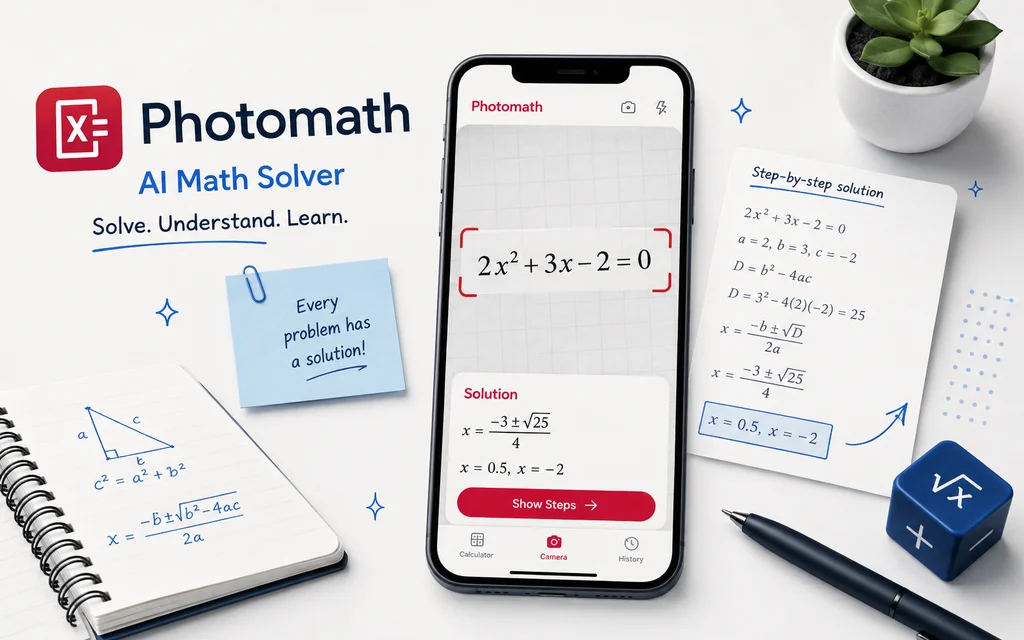
What it does: Photomath uses your phone camera to scan a handwritten or printed math problem and returns an instant step-by-step solution, from arithmetic through calculus.
Best for: Quickly checking homework answers and seeing the steps behind a solution.
Free or paid: The free tier gives unlimited step-by-step solutions for most standard problems, with no account required. Photomath Plus costs $9.99/month or $69.99/year (about $5.83/month) and adds animated video tutorials, textbook-specific solutions matched to your actual assigned book, and custom visual explanations. Photomath has been owned by Google since a 2023 acquisition.
Key features:
- Camera-based OCR problem scanning
- Multiple solution methods shown per problem
- Coverage through algebra, geometry, trigonometry, and calculus
- Textbook-matched solutions (Plus)
What students can actually use it for: Checking whether a homework answer is correct and seeing exactly which step went wrong if it isn’t.
Pros: The free tier is already highly capable for K–12 and early college math with zero cost or account setup; scanning is fast and generally accurate on printed text.
Cons: Math-only — it won’t help with other subjects or explain concepts conversationally the way an AI tutor does; accuracy drops noticeably on messy handwriting or unusual notation.
Important limitations: Not designed for advanced or research-level mathematics — Wolfram Alpha covers that depth better.
Official website: photomath.com
9. Wolfram Alpha — Best AI Tool for Advanced Math and STEM
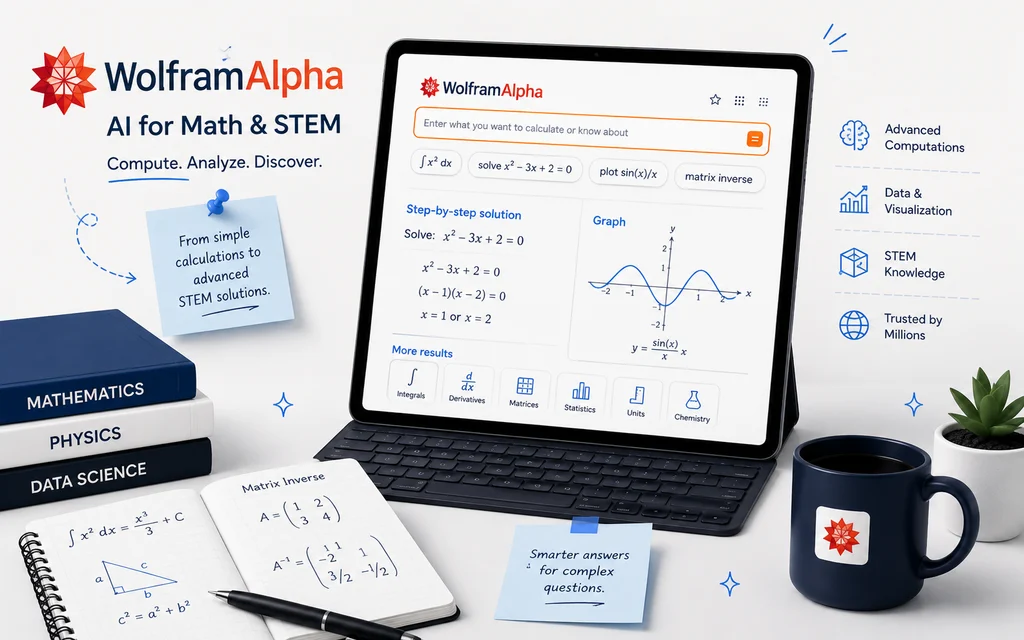
What it does: Wolfram Alpha is a computational knowledge engine — instead of predicting an answer the way a chatbot does, it computes answers from curated data and algorithms, covering math, physics, chemistry, engineering, statistics, and more.
Best for: Verifying calculations and solving advanced STEM problems with dependable accuracy.
Free or paid: The free Basic tier answers computational and factual questions but does not include step-by-step solutions. Wolfram Alpha Pro costs $9.99/month, or $5/month billed annually, and adds step-by-step solutions, file/data uploads, and extended computation time. Pro Premium runs $12/month, or $8.25/month annually, with additional Web Apps and support. A student discount is available.
Key features:
- Computational engine (not a predictive language model) for math, science, and engineering
- Step-by-step solutions with full explanations (Pro)
- Data visualization, graphing, and unit conversion
- Broad factual database across dozens of domains
What students can actually use it for: Verifying a calculus or statistics answer with confidence, generating a graph of a function, or working through engineering problem sets that go beyond what a general chatbot reliably computes.
Pros: Because it computes rather than predicts, it’s typically more reliable for exact math and science answers than a general-purpose AI chatbot; covers far more advanced STEM ground than Photomath.
Cons: Step-by-step explanations require the paid Pro tier; the interface is less beginner-friendly than a conversational AI tool, and mobile app ratings have been mixed.
Important limitations: It’s a computation and data-lookup tool, not a conversational tutor — it won’t walk you through understanding a concept the way Khanmigo or a chatbot would.
Official website: wolframalpha.com
Best AI Coding Tools for Students
10. GitHub Copilot — Best AI Coding Tool for Students
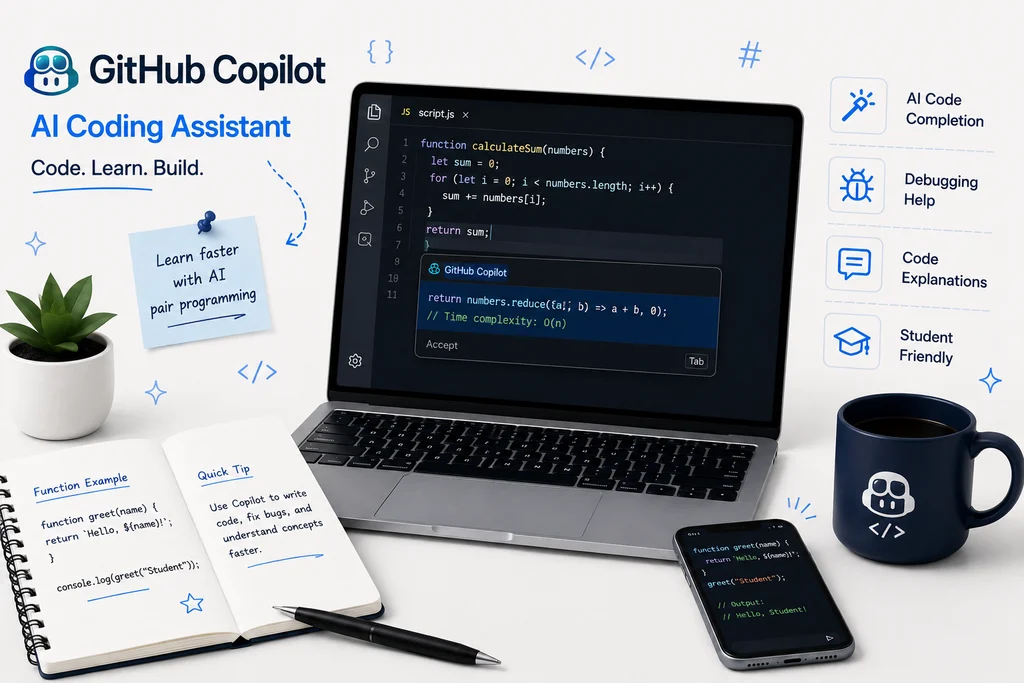
What it does: GitHub Copilot is an AI pair programmer that suggests code completions, explains code, and can chat about your project directly inside your code editor.
Best for: Learning to code faster and getting unstuck on coding assignments.
Free or paid: GitHub offers a general free tier with limited usage, and a paid Copilot Pro plan at $10/month for individuals. The plan that matters most for students, though, is Copilot Student — verified students get it completely free through GitHub Education, including unlimited code completions in your editor plus 200 GitHub AI Credits a month for chat, coding agents, code review, and the command-line tool. You verify once with proof of enrollment, and GitHub periodically re-checks eligibility.
Key features:
- AI code completion inside VS Code, JetBrains, and other major editors
- Copilot Chat for explaining or debugging code
- Coding agent that can edit files and open pull requests
- Code review assistance
What students can actually use it for: Getting inline suggestions while working through computer science coursework, debugging a broken function, or having code explained line by line when you’re stuck.
Pros: Full-featured access is genuinely free for verified students — one of the better deals in this entire list; integrates directly into the tools CS students already use.
Cons: Verification requires proof of enrollment and periodic re-checking, which lapses if your student status isn’t kept current; leaning on it too heavily for assignments can undercut the point of learning to write code yourself, so it’s best used to check and explain rather than replace your own attempts.
Important limitations: Coding-specific — it doesn’t extend to other coursework, and AI-generated code still needs to be reviewed and understood, not just copied in.
Official website: github.com/features/copilot
Copilot Student verification: apply through GitHub Education
Best AI Presentation Tools for Students
11. Gamma — Best AI Presentation Tool for Students
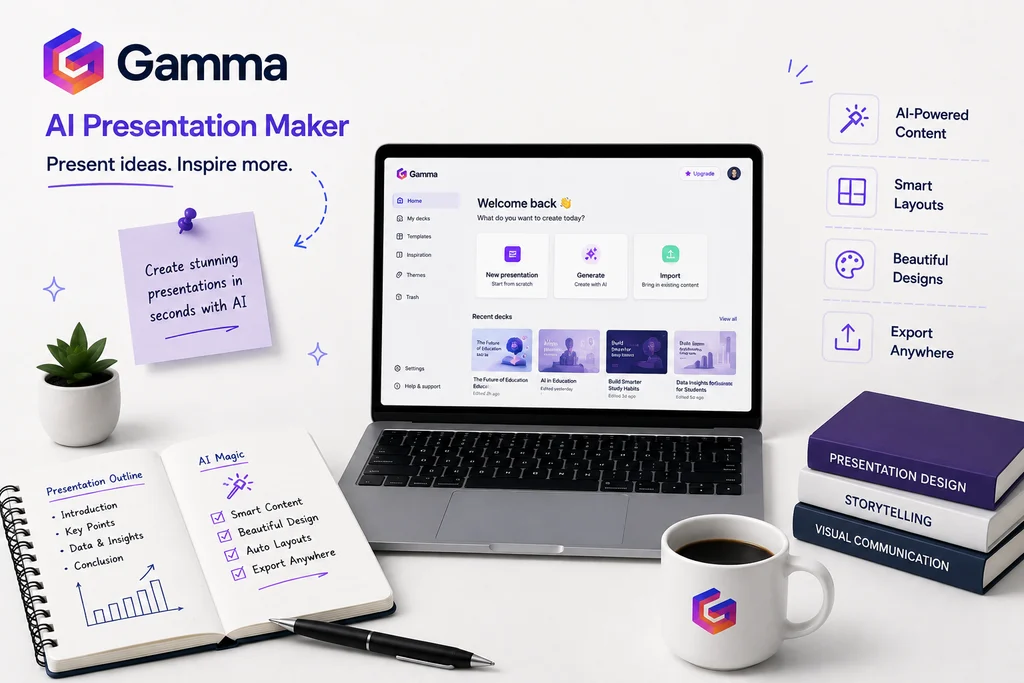
What it does: Gamma turns a prompt, outline, or pasted document into a fully designed presentation, document, or simple webpage in about a minute, using a flexible “card” layout instead of rigid slides.
Best for: Quickly producing a professional-looking slide deck without doing manual design work.
Free or paid: The free plan includes 400 one-time AI credits (enough for roughly 5–10 generated decks, since credits don’t refresh), a cap of about 10 cards per generation, and a “Made with Gamma” badge on shared or exported work. Paid plans remove the badge and raise generation limits; reported starting prices for the entry paid tier range from about $8–12/month depending on billing cycle and region, with a higher Pro tier around $15–25/month adding custom branding and API access. Because these figures vary across sources, confirm current pricing directly on gamma.app before subscribing.
Key features:
- Prompt-to-deck AI generation with a flexible card-based layout
- Smart Layouts for auto-organizing content into grids, timelines, and comparisons
- AI-assisted charts and data visualization
- Export to PDF, PPTX, PNG, or Google Slides
What students can actually use it for: Turning a written essay outline or research summary into a class presentation or pitch deck without spending hours in a slide editor.
Pros: Genuinely fast for producing a presentable first draft; the one-time free credits are enough to test the tool properly before deciding whether to pay.
Cons: Free credits are one-time, not monthly, so they run out and don’t come back without upgrading or referring others; AI-generated decks often still benefit from manual editing for accuracy and tone.
Important limitations: Best treated as a fast first draft, not a finished product — review generated content for factual accuracy before presenting it.
Official website: gamma.app
Best AI Productivity Tools for Students
12. Notion — Best AI Productivity Tool for Students
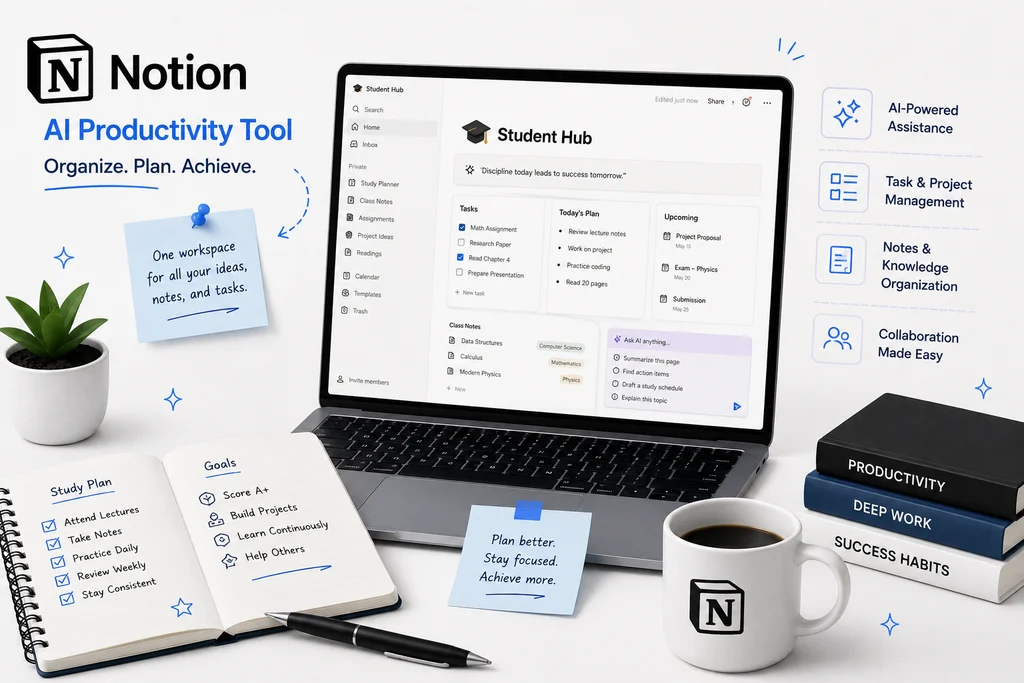
What it does: Notion is an all-in-one workspace for notes, documents, databases, and project tracking, with an AI layer that can write, summarize, and — on higher plans — act as an autonomous agent across your workspace.
Best for: Organizing class notes, assignment trackers, and project databases in one place.
Free or paid: The Notion workspace itself is free with unlimited pages and blocks for a single member, up to 10 guests, a 5 MB file-upload cap, and 7-day page history. This is important to get right because it changed in 2026: full Notion AI (AI Agents, Ask Notion search, AI Meeting Notes) now requires the Business plan at $20/user/month (billed annually) — the Free and Plus plans only include a limited AI trial of about 20 responses, not ongoing AI access. Plus itself costs $10/user/month annually for expanded workspace limits without full AI. Verified students and educators can get Plus-level workspace features free through Notion’s Education plan.
Key features:
- Unlimited notes, docs, wikis, and databases (free workspace)
- AI writing assistant, summarization, and Q&A (Business plan)
- AI Agents that can complete multi-step tasks inside your workspace (Business plan)
- Education plan for verified students
What students can actually use it for: Building a semester dashboard with linked databases for classes, assignments, and deadlines — genuinely useful even without paying for the AI layer.
Pros: The free workspace alone (without any AI) is one of the more generous free tiers in productivity software, and it’s a strong tool on that basis alone; the Education plan gives verified students Plus-level limits at no cost.
Cons: If AI access is specifically what you want, Notion now requires the $20/month Business plan to get it — a real cost increase from Notion’s older $8–10 AI add-on structure that many older reviews still reference incorrectly.
Important limitations: The 5 MB file-upload cap and 7-day version history on the free plan can be limiting if you store a lot of PDFs, screenshots, or images in your notes.
Official website: notion.com
Best AI Tutoring Tools and General Study Help
13. ChatGPT — Best All-Purpose AI Tool for Students
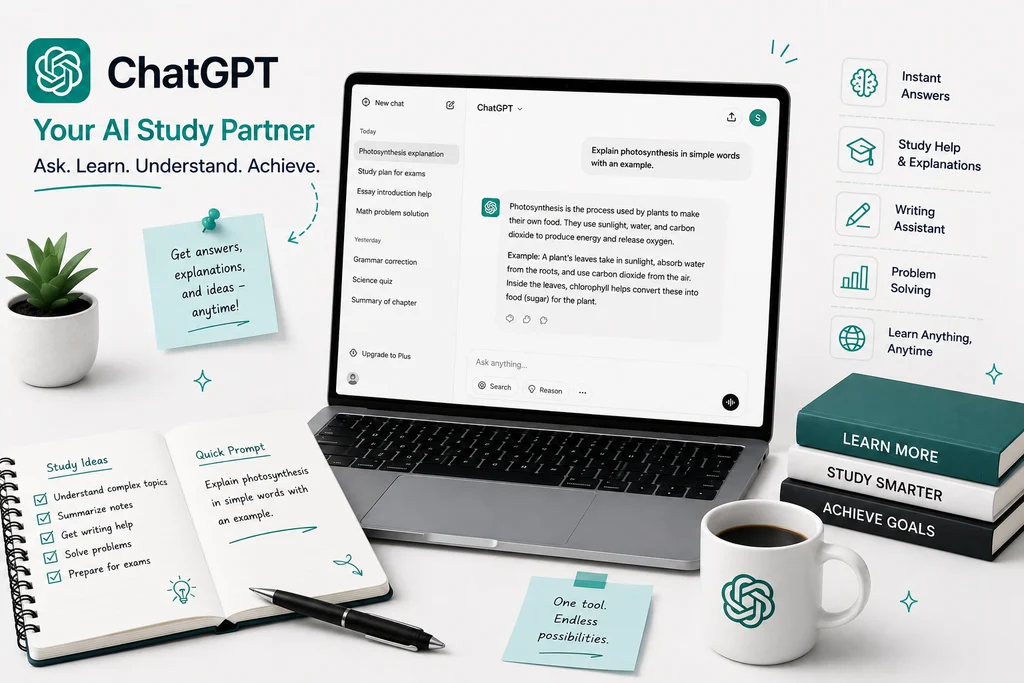
What it does: ChatGPT is OpenAI’s general-purpose conversational AI — useful for explaining concepts, brainstorming, drafting, coding help, and increasingly, agentic tasks like Deep Research.
Best for: A flexible, all-round starting point across nearly any subject.
Free or paid: As of August 2026, the Free plan gives unlimited text conversations (with ads shown in the US), though images, file uploads, and voice remain capped, and Free routes to a lighter default model. Paid tiers: Go at $8/month (higher caps, still ad-supported, no top-tier model), Plus at $20/month (full model access, Deep Research, ad-free), and Pro at $100 or $200/month for heavy users. Business and Enterprise plans exist for organizations, not individuals.
Key features:
- Conversational Q&A, writing, and brainstorming across subjects
- Deep Research for multi-step web research tasks (Plus and above)
- Custom GPTs and an Agent mode for multi-step tasks
- Image generation and voice mode
What students can actually use it for: Explaining a confusing concept a different way, outlining an essay structure, debugging code, or generating practice questions — best used as a study partner rather than a way to skip the assignment.
Pros: The free tier is now genuinely unlimited for text chat, which is a meaningful improvement over the old message-cap model; extremely broad subject coverage.
Cons: Ad-supported free and Go tiers; heavier features (Deep Research, top-tier models, Agent mode) are locked behind the $20/month Plus plan; like all general AI chatbots, it can state incorrect information confidently, so claims and citations need independent verification.
Important limitations: Using it to write graded work for you, rather than to help you think through the work, is an academic-integrity risk at most institutions — check your school’s AI policy before you rely on it for assignments.Official website: chatgpt.com
14. Claude — Best AI Tool for Long Documents and Writing
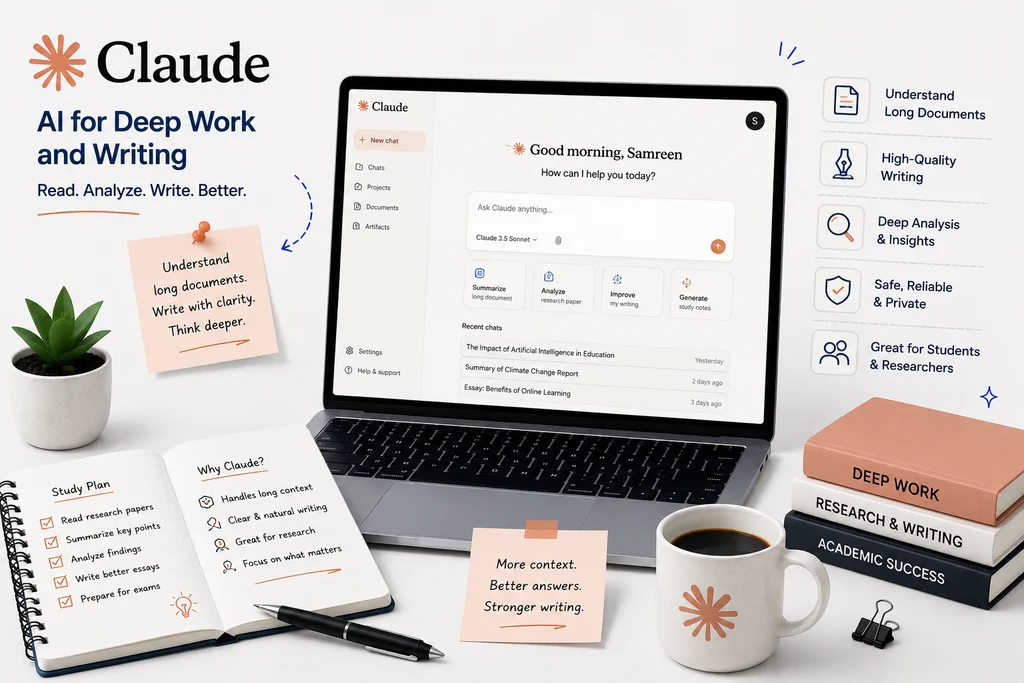
What it does: Claude, made by Anthropic, is a conversational AI assistant particularly suited to long-document analysis, writing, and coding, with a large context window that lets it work through lengthy readings or drafts at once.
Best for: Working through long readings, structuring and improving written drafts, and coding help.
Free or paid: The Free plan (Claude Sonnet 5 by default as of mid-2026) gives a rolling daily usage budget, roughly in the range of 30–100 messages depending on prompt complexity, with no credit card required. Pro costs $20/month, or about $17/month billed annually, and adds higher usage limits and access to Claude Code and other tools. Max plans start at $100/month for heavy usage. As of mid-2026, Anthropic does not offer a dedicated student discount.
Key features:
- Large context window for analyzing long documents, PDFs, or entire papers at once
- Projects and Artifacts for organizing ongoing work
- Strong performance on writing structure and coding tasks
What students can actually use it for: Pasting in a long journal article or set of lecture notes and asking for a structured summary, or getting feedback on essay structure and argument clarity before a final draft.
Pros: Handles long documents unusually well compared to tools with smaller context limits; free tier requires no payment info to start.
Cons: No dedicated flashcard, quiz, or study-planning features built in — it’s a general assistant, not a study app; the free-tier usage budget resets on a roughly five-hour cycle rather than a simple daily count, which takes some getting used to; no student discount as of this writing.
Important limitations: Like any general AI assistant, verify factual claims and citations independently rather than treating its output as an authoritative source.
Official website: claude.ai
15. Khan Academy (Khanmigo) — Best AI Tutor for Guided Learning
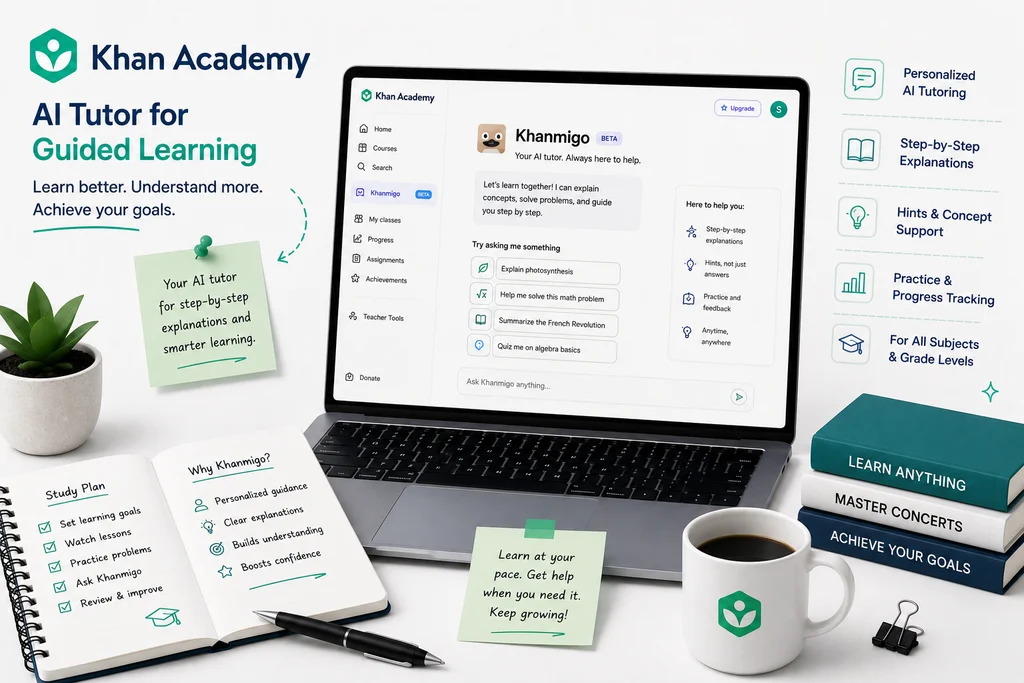
What it does: Khan Academy is a long-standing free education platform with courses, videos, and practice exercises across K–12 and early college subjects. Khanmigo is its AI tutoring layer, which uses a Socratic method — asking guiding questions instead of handing over direct answers.
Best for: Structured, guided tutoring that pushes you to work through a problem rather than just giving you the solution.
Free or paid: The core Khan Academy platform — videos, exercises, full courses, and test prep — is entirely free for every learner and teacher, with no ads or contracts. Khanmigo is free for verified teachers, and costs $4/month or $44/year for individual learners and parents; one parent subscription covers up to 10 linked child accounts. Schools and districts pay separate enterprise pricing, generally starting around $10 per student per year.
Key features:
- Free, extensive course and practice-exercise library
- Socratic-method AI tutoring rather than direct-answer tutoring
- Writing feedback and debate practice
- College and career coaching features
What students can actually use it for: Working through a math or science concept with guided hints instead of a direct answer, which tends to build understanding rather than just completing the homework.
Pros: The core platform’s breadth and cost (free) is hard to beat; the Socratic tutoring approach is deliberately designed to teach rather than just answer, and Khanmigo has been rated well for student safety compared to general-purpose chatbots.
Cons: Text-based interface with no voice interaction, which can be less natural for younger students; works within the Khan Academy ecosystem, so it won’t tutor you on external homework from a different curriculum; strongest in math and science, comparatively weaker for humanities and writing tutoring.
Important limitations: The Socratic approach means it deliberately won’t just give you the answer — if you need a quick direct answer rather than guided practice, a tool like Photomath or Wolfram Alpha will be faster.
Official website: khanacademy.org · khanmigo.ai
How to Choose the Best AI Tools for Students
Choosing the right AI tool depends on what you need help with. Students who mainly need research support can use tools such as Gemini Notebook, Elicit, or Consensus, while those focused on writing may prefer Grammarly or QuillBot. For math and coding, Photomath, Wolfram Alpha, and GitHub Copilot can be more useful.
Before choosing a tool, consider its free features, paid pricing, accuracy, privacy, and how well it fits your study workflow. You do not need to use every AI tool. Start with the tools that solve your biggest academic needs, then add more only when a specific task keeps slowing you down. If you also want to speed up everyday tasks outside class, our productivity guides cover the same ground for work and side projects.
Best Free AI Tools for Students
You can cover almost every academic task on this list without paying anything. These are the free plans that are genuinely usable for coursework rather than a two-week trial in disguise.
- ChatGPT (free plan) — the most capable free all-rounder. Since August 2026 the free tier runs unlimited text chats on GPT-5.6 Luna, with web search and file uploads. Free and Go accounts do show ads in the US and across 31 European markets.
- Gemini Notebook (free plan) — 100 notebooks, 50 sources per notebook and 50 chat questions a day, plus Audio Overviews, flashcards and quizzes generated from your own materials. Unusually generous for a free tier.
- GitHub Copilot (free for verified students) — enrol in GitHub Education with proof of study and you get Copilot Student at no cost, versus $10/mo for everyone else. Re-verification is required roughly once a year.
- Grammarly (free plan) — grammar, spelling and basic clarity suggestions across your browser. The rewriting and tone features sit behind the paid tier, but the free checker alone is enough for most assignments.
- Quizlet (free plan) — create and study flashcard sets, though Learn and Test modes are now capped. If you need long-term retention rather than short-term drilling, compare it with the free alternative in our Anki vs Quizlet guide.
- Wolfram Alpha (free) — free for computed answers to maths, physics and chemistry queries. Step-by-step working is the main paid feature.
What each free plan actually gives you
Most round-ups just write “free version available”. Here is where each free plan actually stops, checked in September 2026 — because the limit, not the price, is what decides whether a tool survives your exam week.
| Tool | What the free plan includes |
|---|---|
| ChatGPT | Unlimited text chats on the default model, web search and file uploads. Ads appear on free accounts in the US and 31 European markets. |
| Gemini Notebook | 100 notebooks, 50 sources each, 50 chat questions a day, and 10 Deep Research runs a month. |
| Claude | Free tier with daily message limits that reset through the day. |
| Grammarly | Grammar, spelling and basic tone across the web, plus 100 AI prompts a month. |
| QuillBot | Paraphraser capped at 125 words per run and 2 of 9 modes; summariser up to 1,200 words. |
| Otter.ai | 300 transcription minutes a month, 30 minutes per recording, and 3 file imports in total. |
| Quizlet | Create and study flashcards freely, but Learn and Test modes are capped and AI features need Plus. |
| Elicit | Unlimited search across 138 million papers, but only 2 automated reports a month. |
| Consensus | Unlimited search across 200M+ papers, with roughly 10–20 AI analyses and 3 Deep Searches a month — and these refresh monthly rather than running out once. |
| Photomath | Unlimited basic step-by-step solutions, no account required. Animated tutorials and textbook solutions are paid. |
| Wolfram Alpha | Computed answers, graphs and data. Step-by-step working is the main Pro-only feature. |
| Gamma | 400 AI credits granted once — not monthly. That is roughly eight decks, then it stops. Free decks carry a Gamma badge. |
| GitHub Copilot | Limited free plan for everyone; verified students get the fuller Copilot Student plan at no cost. |
| Notion | Unlimited pages and blocks, 10 guests, 5 MB uploads, 7-day history. Full AI needs the Business plan. |
| Khanmigo | No free tier for learners. Khan Academy’s course library, videos and practice exercises are free. |
One caution worth repeating: “free” usually means free with limits. Daily caps on chats, uploads and exports tend to bite hardest during exam weeks, which is exactly when you need the tool most. Check the current limits on the official site before you build a workflow around one.
Student discounts worth claiming before you pay
Several of these tools cost nothing, or close to it, once you verify your student status. Checking this list first is usually worth more than switching to a cheaper tool.
- Notion — Plus free for students and staff at accredited universities listed in the WHED database. Claim it in Settings → Billing with your institutional email; a student ID is not accepted.
- GitHub Copilot — free through GitHub Education, versus $10/mo otherwise. Re-verification is required roughly once a year.
- Google AI Pro / AI Plus — 12 months free for verified college students, redeemable until 31 December 2026. Auto-renews at $19.99 or $4.99/mo unless you cancel.
- Consensus — 40% off with a .edu or .ac email, bringing Premium to roughly $5.39/mo on annual billing.
- Otter.ai — 20% off Pro with a .edu email, roughly $6.67/mo on annual billing. The discount applies to Pro only.
- Wolfram Alpha — a separate discounted student Pro rate; check the Pro for Students page rather than the standard pricing page.
- Khanmigo — free for verified teachers, but not for students. Consumer sign-up also requires a US billing address.
Two tools have no student pricing at all: ChatGPT and Quizlet both charge students the same as everyone else. Grammarly is unclear — some sources report a 50% education discount through SheerID while others say none exists, so check Grammarly’s own site before assuming either way.
AI Tools for Students: Free vs Paid
Many AI tools offer free plans, but their advanced features may require a paid subscription. Free versions are usually enough for basic studying, research, writing, and productivity. Paid plans can be useful for students who need higher usage limits, advanced features, or more powerful AI models.
Before paying for an AI tool, try its free plan first and check whether the extra features are actually useful for your studies. Pricing and features can change, so always check the tool’s official website before subscribing.
Best AI Tools for Students: Pros and Cons
AI tools can save students time and make studying easier, but they are not perfect. The best tool depends on the task, your budget, and how much help you need.
Pros of Using AI Tools
- Save time on research and repetitive tasks
- Explain difficult topics in simpler ways
- Help with writing, grammar, and organization
- Create study notes, flashcards, and practice questions
- Support coding, mathematics, and presentations
- Make learning more personalized
Cons of Using AI Tools
- AI can sometimes provide incorrect information
- Free plans may have usage limits
- Some advanced features require paid subscriptions
- Students can become too dependent on AI
- Privacy can be a concern when uploading personal or academic information
- AI-generated work may not meet academic integrity rules
The best approach is to use AI as a study assistant rather than a replacement for your own thinking and learning.
Are AI Tools Allowed for Students?
There is no single answer — permission depends on your institution, and often on the individual course. Most universities now publish an AI policy, and many leave the decision to each module leader. Before using any tool on graded work, check your syllabus, assignment brief and your institution’s academic integrity policy, and ask the person marking it if the wording is unclear.
What is usually accepted
- Asking AI to explain a concept you did not follow in a lecture
- Generating practice questions or flashcards to revise from
- Brainstorming angles or an outline before you write anything yourself
- Grammar and spelling checks on work you wrote
- Summarising your own notes or readings so you can find things faster
What usually is not
- Submitting AI-generated text as your own writing
- Using AI during a closed assessment or exam
- Having AI write code you then submit for a programming assignment
- Passing off AI-generated citations or sources without checking they exist
- Uploading a classmate’s work, unpublished research or confidential material into a tool
Two practical points that catch students out. First, AI-detection tools are unreliable in both directions — they miss AI text and they flag human text, so “it probably will not be detected” is a poor reason to risk an academic misconduct case. Second, some institutions now ask you to declare AI use rather than banning it; a short note saying which tool you used and for what is often all that is required, and it is far safer than saying nothing.
Privacy: what not to upload
Anything you paste into a free AI tool leaves your device. Avoid uploading personal data about other people, unpublished research, confidential placement or internship material, or anything covered by an NDA. Check each tool’s settings for whether your inputs are used to train its models — several offer an opt-out, and paid or education plans often disable training by default.
How Students Should Use AI Responsibly
AI can be a powerful study assistant, but students should use it responsibly. Always review AI-generated answers and verify important facts using reliable sources. Avoid submitting AI-generated content as your own work when your school, college, or university does not allow it.
Do not share private, sensitive, or confidential information with AI tools. Instead of using AI to avoid learning, use it to understand difficult concepts, brainstorm ideas, organize notes, and practice skills.
The goal should be to learn with AI, not learn instead of AI.
Frequently Asked Questions
What is the best AI tool for students in 2026?
ChatGPT is one of the best all-purpose AI tools for students because it can help with studying, writing, brainstorming, explanations, coding, and research. However, the best tool depends on your specific needs.
What is the best free AI tool for students?
Several AI tools offer useful free plans, including ChatGPT, Gemini Notebook, Grammarly, Quizlet, and others. Free features and limits can change, so check the official website before relying on a specific plan.
Which AI tool is best for academic research?
Gemini Notebook, Elicit, and Consensus are useful for academic research, reading papers, organizing information, and finding evidence. Students should still verify important information using the original sources.
Which AI tool is best for writing?
Grammarly and QuillBot are useful for improving writing, grammar, paraphrasing, and clarity. ChatGPT and Claude can also help with brainstorming, outlining, and understanding difficult topics.
Can students use AI tools for assignments?
Students can use AI tools to understand concepts, brainstorm ideas, research topics, and improve their work. However, they should follow their school or university’s AI and academic integrity policies and avoid submitting AI-generated work as their own when prohibited.
Are AI tools safe for students?
AI tools can be useful, but students should avoid sharing passwords, personal information, confidential documents, or other sensitive data. Always review a tool’s privacy policy before uploading academic or personal information.
Are AI tools free for students?
Many are. ChatGPT, Gemini Notebook, Grammarly, Quizlet and Wolfram Alpha all have free plans that cover normal coursework, and GitHub Copilot is free for students verified through GitHub Education. Google is also offering verified college students 12 months of Google AI Pro (US) or Google AI Plus (140+ other markets) at no cost until 31 December 2026. Free plans almost always carry daily limits, so check the current caps before relying on one during exams.
What is the best AI tool for note-taking?
Otter.ai for live lectures, because it transcribes audio in real time and lets you search what was said. Notion is the better choice for organising notes you have already written, since its AI can summarise pages and pull action items out of long documents. Gemini Notebook sits between the two: it turns your uploaded slides and readings into a set of notes you can question.
What is the best AI tool for maths?
Photomath for school-level homework, because it shows the working rather than just the answer. Wolfram Alpha for university-level maths, physics and chemistry, where you need computed results, graphs and symbolic algebra. General chatbots are still the weakest option for arithmetic-heavy work and should be checked.
Can teachers tell if you used AI?
Sometimes, but not reliably. AI-detection software produces both false negatives and false positives, so it is not proof either way — which is why many institutions rely on drafts, version history, viva questions and sudden changes in writing style instead. The safer approach is to check your course policy and declare AI use where that is expected, rather than assuming detection will fail.
How many AI tools does a student actually need?
Usually two or three. One general assistant for explanations and drafting, one tool matched to your subject (research, maths or coding), and one for revision. Adding more tends to cost money and attention without adding much, so start with the free plans and only pay when a specific limit keeps blocking you.
Which AI tool is best for making presentations?
Gamma, because it drafts a full deck with layout and images from a prompt or an outline, which removes the slowest part of slide-making. You will still need to edit the content and check any facts it fills in, and most students find they replace at least some of the generated visuals.
Conclusion
The best AI tools for students in 2026 can make research, writing, studying, note-taking, math, coding, and presentations easier and more efficient. However, there is no single tool that is perfect for every student.
Start with the tools that match your specific needs and make use of their free plans before paying for premium features. Most importantly, use AI as a learning assistant, verify important information, and follow your school’s or university’s academic policies.
With the right tools and responsible use, AI can help students save time, understand difficult topics, and build better study habits. If flashcards are your next step, our Anki vs Quizlet comparison goes deeper on which one actually holds material long term, and you can browse our full AI tools guides for more.
Related reading: Free Gemini for Pakistani Students: What Happens After the Free Year